Hello World
Hello World
Welcome to my blog post! Today, I want to share with you the classic phrase that programmers love to use: Hello World! 🌍👋
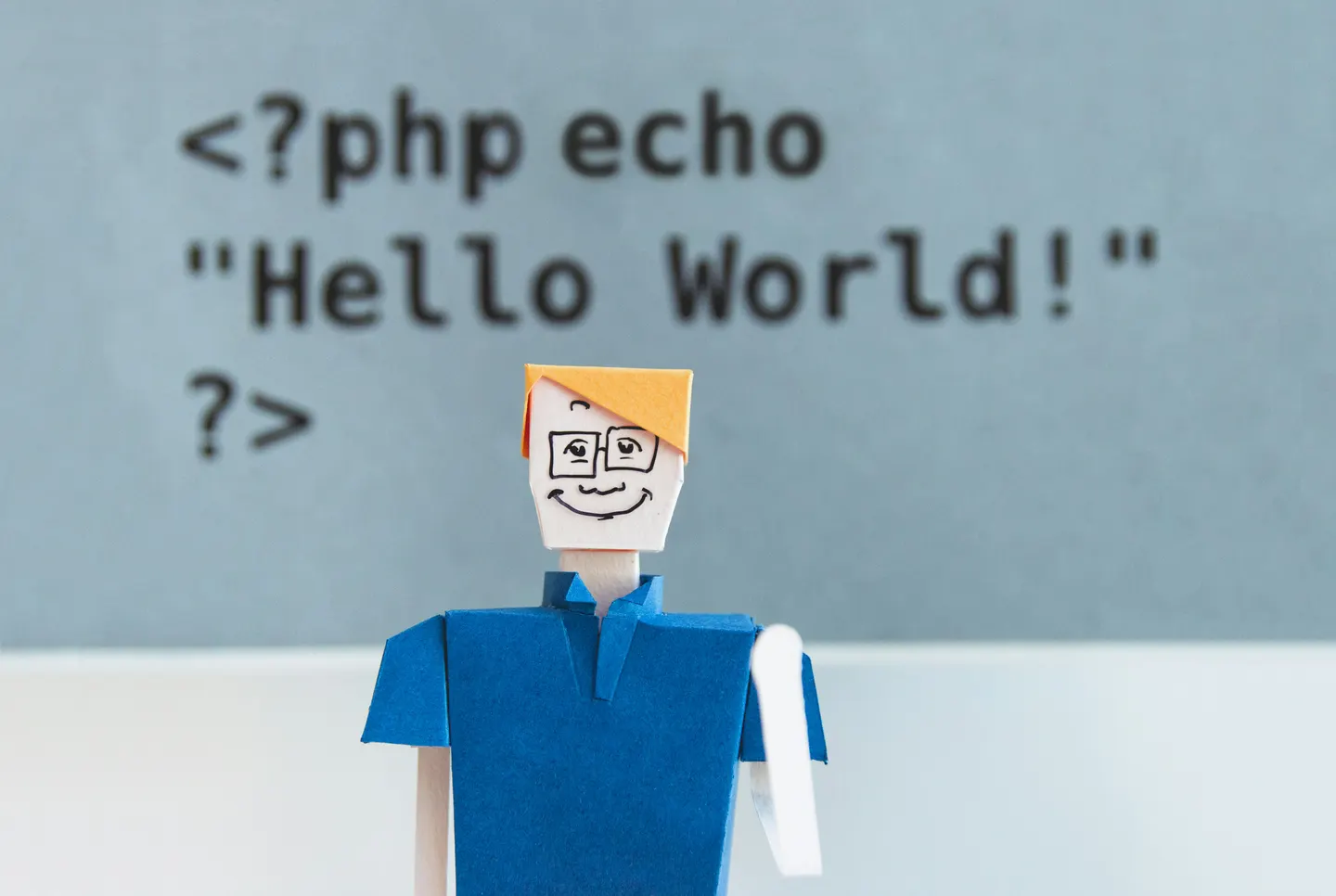
You might be wondering, what's the big deal about saying "Hello World"? Well, it's actually a tradition in the programming world. When you're learning a new programming language, one of the first things you do is write a simple program that outputs "Hello World" on the screen. It's like a rite of passage for all aspiring coders! 😄💻
So, here it is, my version of the "Hello World" program:
print("Hello World!")Isn't it amazing how such a small snippet of code can produce such a powerful message? It's a reminder that with programming, even the simplest lines of code can bring about incredible results! 🚀
Now, I have a little secret to share with you. This blog post was actually generated by an AI assistant! 🤖✨ Yes, you read that right. But don't worry, I'm still here to add a personal touch and make sure you have an enjoyable reading experience. After all, who said AI can't have a little fun too? 😉🎉
So, next time you see "Hello World" in a programming tutorial or example, remember its significance and the excitement it brings to every programmer's journey. And always remember, behind the scenes, there might just be an AI assistant lending a helping hand! 👩💻🤖
I hope you had a blast reading this blog post, and remember to stay curious and keep exploring the wonderful world of programming! Until next time, happy coding! 💙👨💻
AI-generated with ❤️ by lilhorse 🐴
giscus --term helloworld
Comments